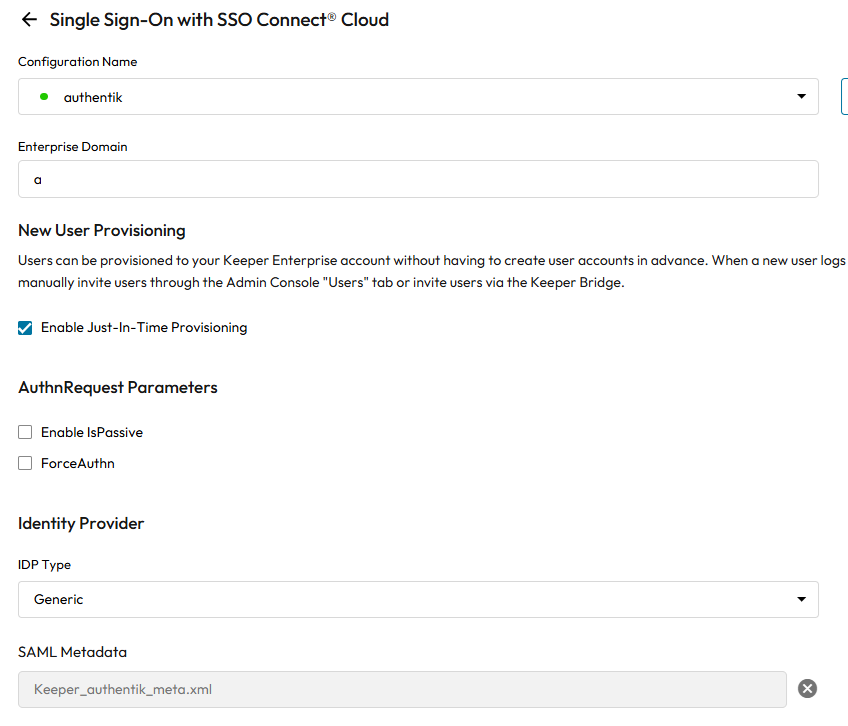
For integration of ↗ Keeper with ↗ Authentik, we will be utilizing SAML Provider.
First, you need to configure your Console and options as per the documentation ↗ here
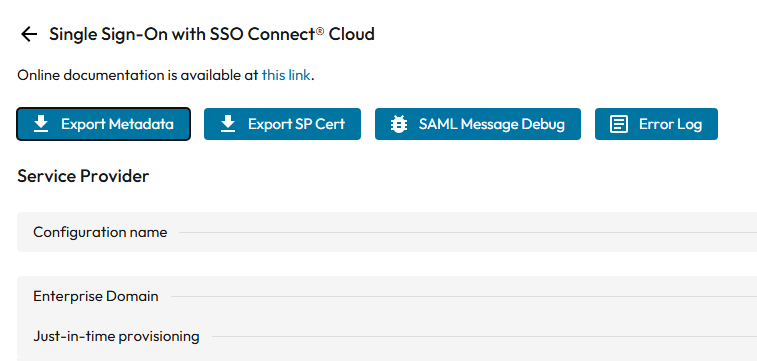
Once configured, export the metadata XML file. Keep the reference to Assertion Consumer Service (ACS) Endpoint and Entity ID URLs also.
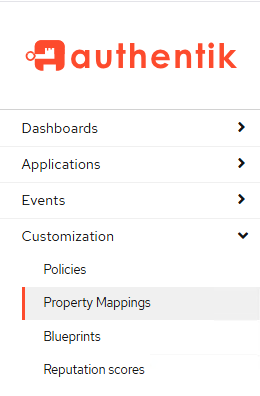
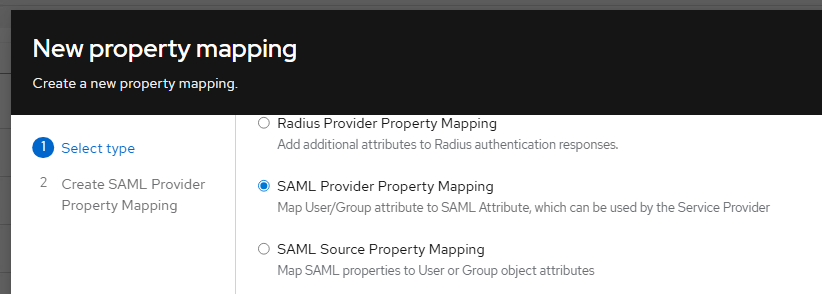
Once that is done, login to authentik admin interface, navigate to Customization -> Property Mapping and add new SAML Provider Property Mapping
Create a new Email mapping, with the Expression value set to: return request.user.email
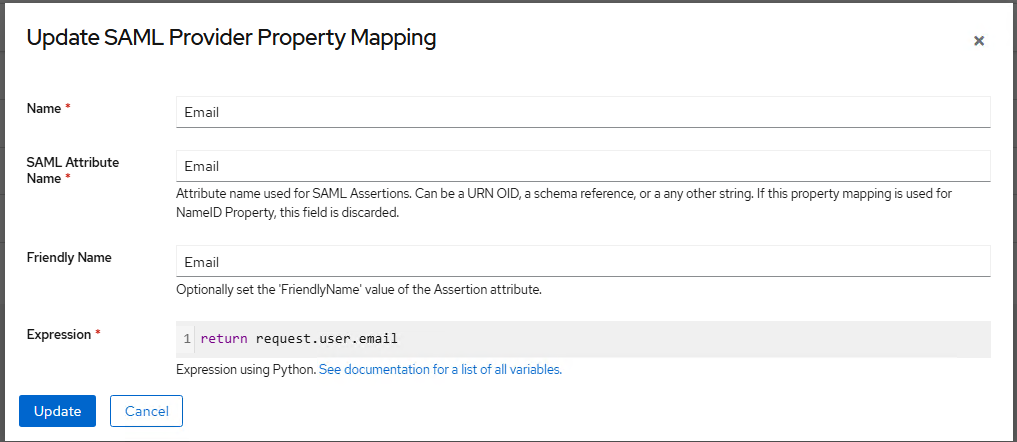
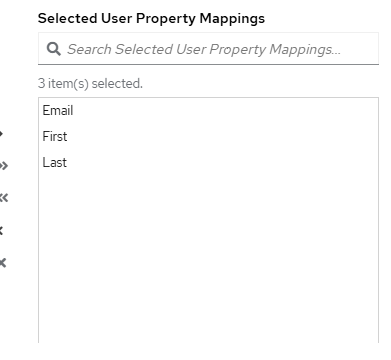
Additionally, you can also add First and Last mappings. Email mapping is required. Those two are optional.
Depending on your authentik design, you can always fall back to those core user fields as they are built into the user object by default:
- Username:
request.user.username - Full Name:
request.user.name(Authentik often combines first/last into this field) - First Name:
request.user.first_name - Last Name:
request.user.last_name
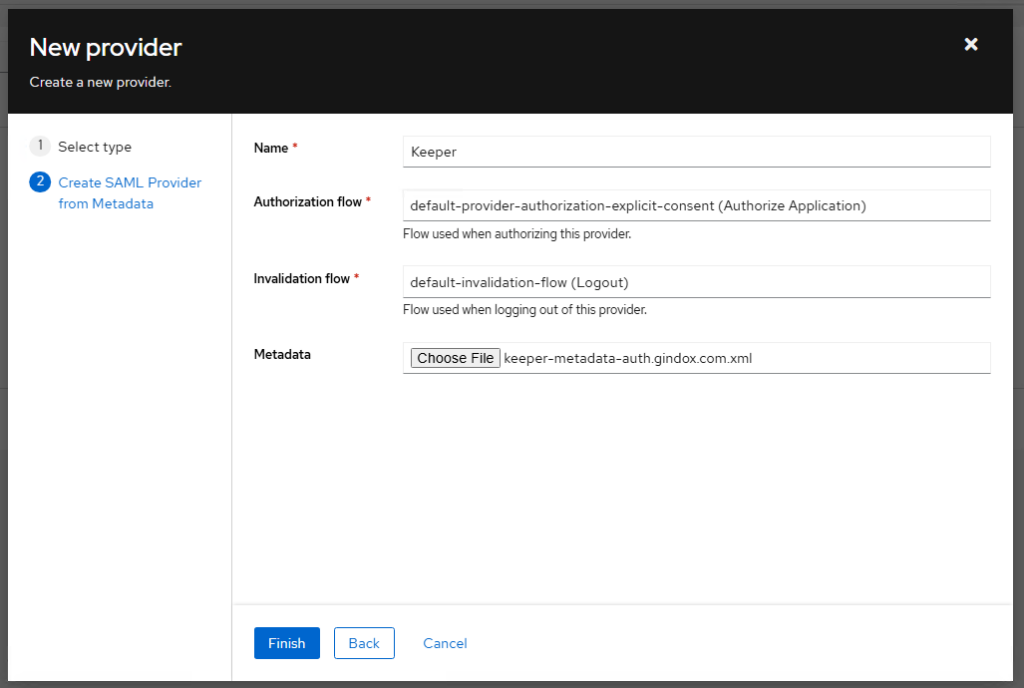
Next we open Applications -> Providers and click Create, select SAML Provider from Metadata type, give appropriate name and upload the metadata XML file download from Keeper Admin console
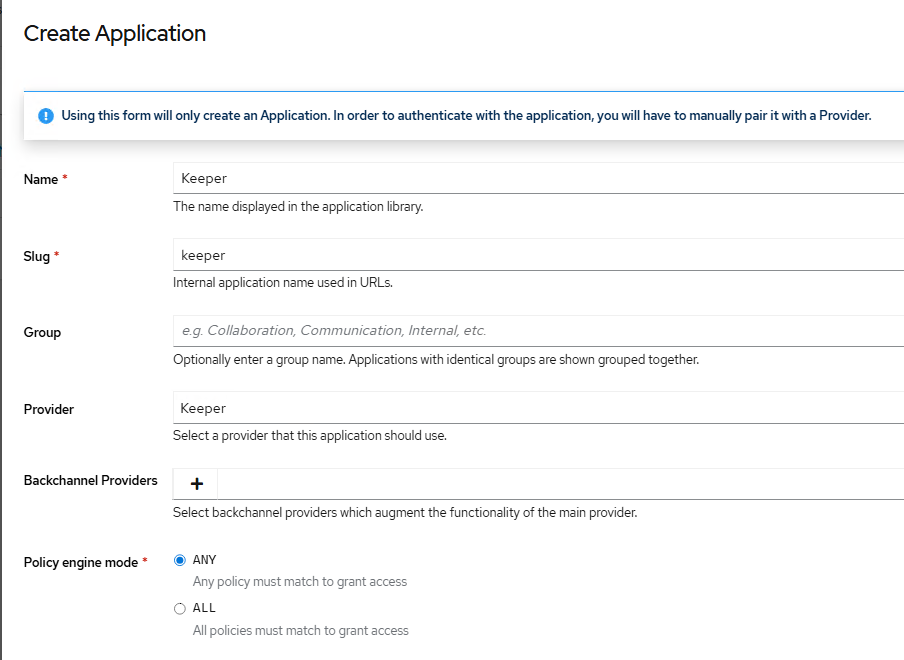
With a new SAML provider set, now we create a new Application. Give it name, link to the existing Keeper provider and click Create.
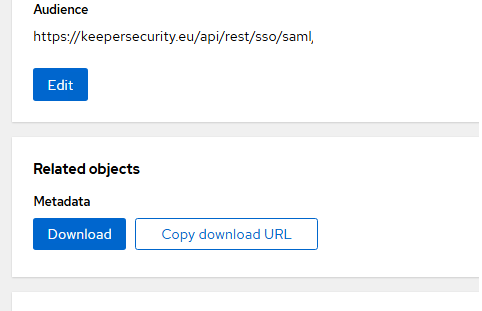
We will need to Update Keeper SAML provider a bit.
First Audience field should be set to Entity ID.
| Authentik | Keeper |
| ACS URL | Assertion Consumer Service (ACS) Endpoint |
| Issuer | Entity ID |
| Audience | Entity ID |
| SLS URL | Single Logout Service (SLO) Endpoint |
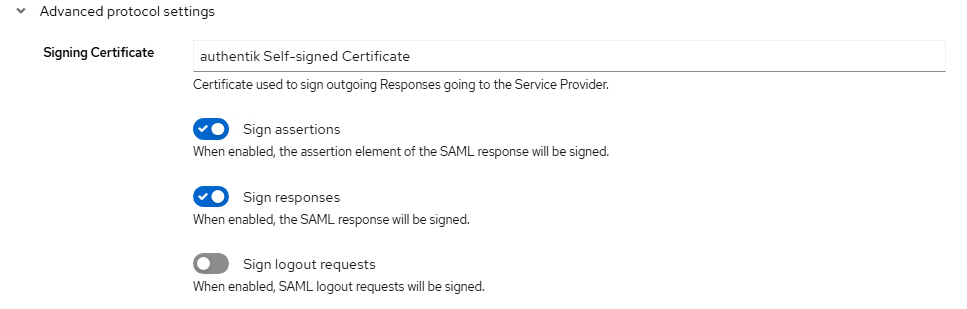
Sign assertions and Sign responses should be turned on
And your custom User Property Mappings should be included
When finished, download the metadata file and upload it to the Keeper Admin console